Images
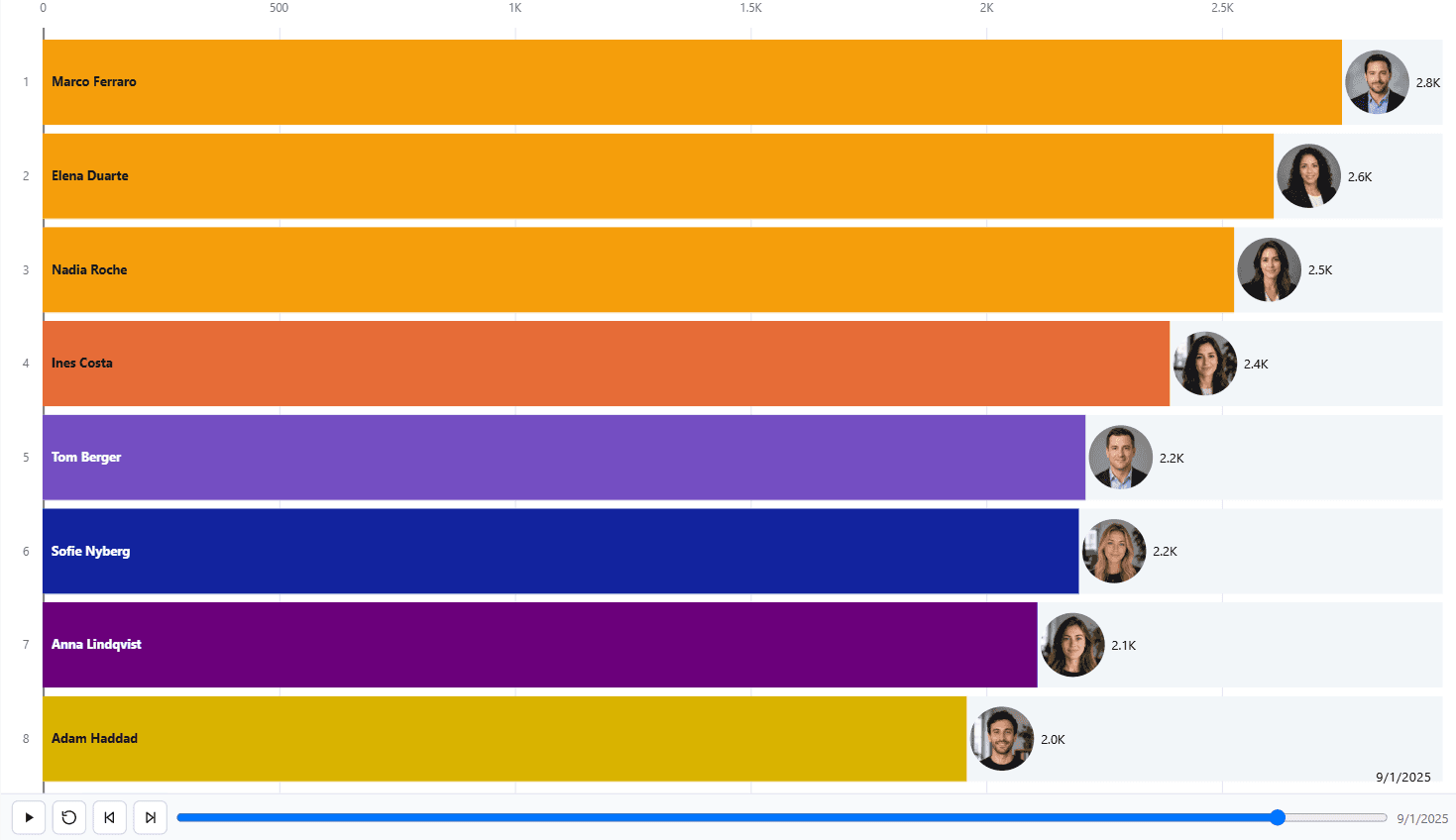
Attaching a logo, a flag or a photograph to a category, and why the image has to travel inside the report.
Inline data URIs only
The image comes from a column of inline data URIs. External URLs are not fetched, because a certified visual makes no network requests of any kind. An ordinary https:// image address will not load.
Images can also be uploaded in the editor, in which case they are stored in the report alongside the design.
Putting an image into the column
The column holds the whole data URI as text: a prefix naming the image type, then the file itself encoded as base64. A text column is all the visual needs.
data:image/png;base64,iVBORw0KGgoAAAANSUhEUgAAAHAAAABwCAMAAADxPgR5...If the pictures are files on disk, a custom column in Power Query builds the string in one step. Point it at the path column for each row:
"data:image/png;base64," & Binary.ToText(File.Contents([Path]), BinaryEncoding.Base64)Any base64 encoder produces the same result, so an image can equally be converted once and pasted into a lookup table alongside its category. Use image/jpeg or image/webp in the prefix if the file is not a PNG.
Shape and placement
| Setting | Options |
|---|---|
| Frame shape | Circle, rounded, square, diamond, hexagon, octagon, shield, star, or a custom SVG path. |
| Position | At the end of the mark, on the mark, inside the mark, beside the category label, or on the baseline. |
| Fit | Cover, which crops to fill the shape, or contain, which shows the whole image. |