









Ataytis Motion
Get and install the visual
Install Ataytis Motion from Microsoft Marketplace, and understand what the licence covers and when you need one.
Install from Microsoft Marketplace
Open the visual gallery
In Power BI Desktop, select the three dots in the Visualizations pane and choose Get more visuals.
Search for Ataytis Motion
Microsoft Marketplace opens inside Power BI. Search for Ataytis Motion and open the listing.
Add the visual
Select Add. The visual appears at the end of the Visualizations pane.
Save the report
The visual is stored in the report file, so anyone who opens it has the visual without installing anything themselves.
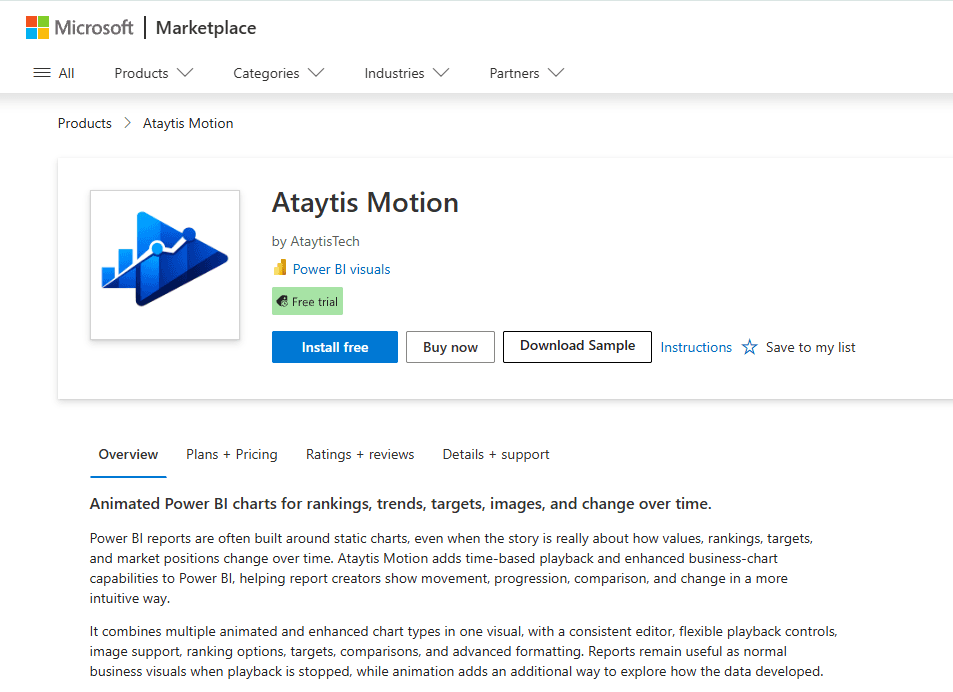
The same listing is on the Microsoft Marketplace website, where Plans + Pricing shows the per-user plans.
Trial and licensing
Licensing is managed by Microsoft and charged per user. The first thirty days are free on every plan.
| Where | Without a licence |
|---|---|
| Power BI Desktop | Fully usable for authoring, with a watermark. |
| Power BI Service | Blocked, with a message asking the viewer to obtain a licence. |
| Export (PDF, PowerPoint, subscriptions) | Renders normally. |
| Licence lookup pending | The visual waits rather than showing a false state. |