AtaytisTech Visuals
Microsoft-certified Power BI custom visuals.




AtaytisTech Library
Vega specifications you configure here and paste in.






Articles & Guides. Learn faster with practical guides and examples.
12 resources
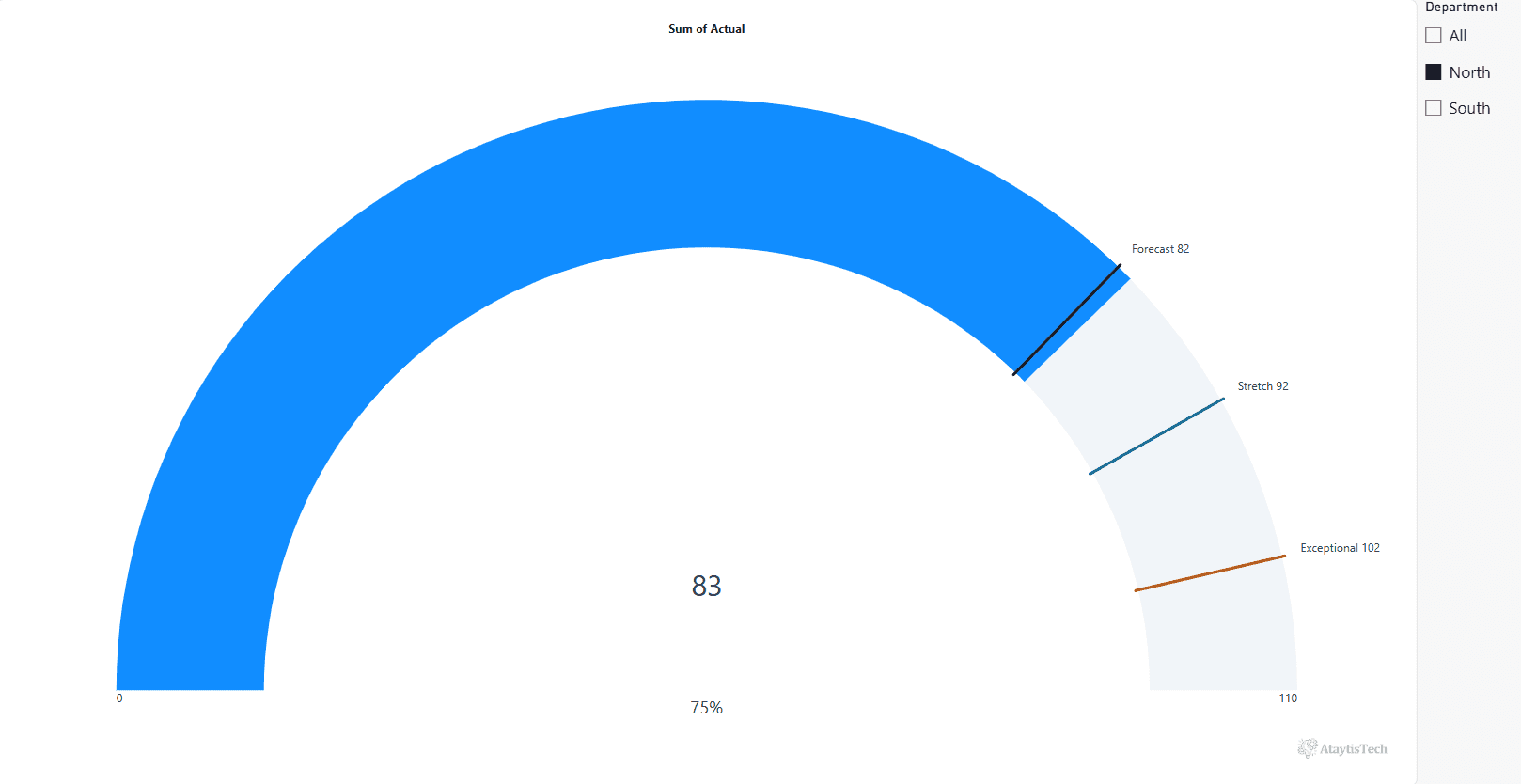
Power BI Gauge With Multiple Targets: What Works
The native Power BI gauge takes one target. We tested the workarounds for budget, forecast and stretch goals, and a gauge that shows four on one dial.
Read →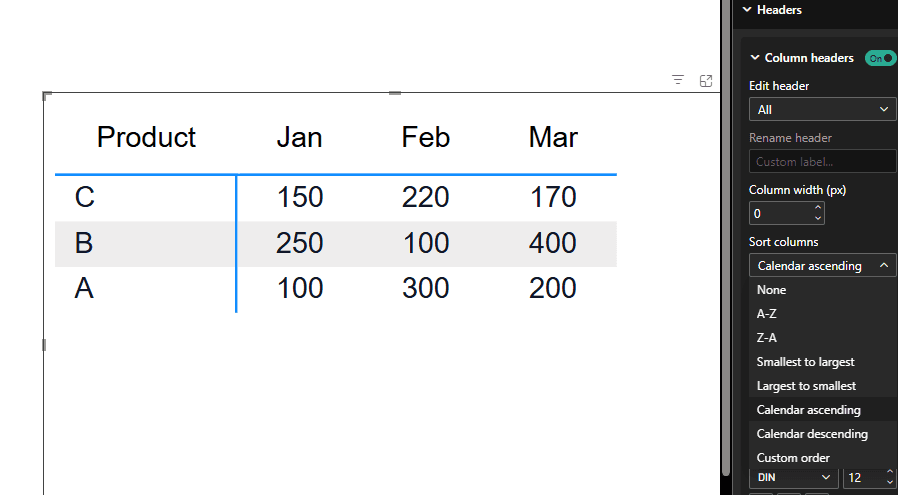
Power BI Matrix Column Order: How to Sort Columns
Fix Power BI Matrix column order with Sort by column, refresh-time ranks or Ataytis settings. Four test screenshots, clear steps and common pitfalls.
Read →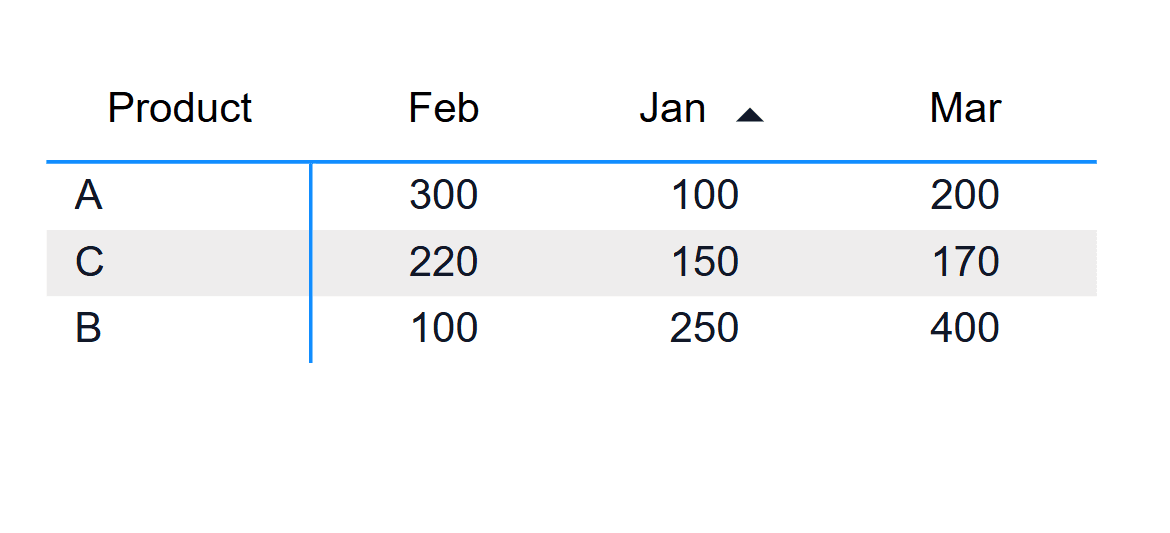
Power BI Matrix: Sort Rows by an Individual Column
Sort Power BI Matrix rows by a month, measure or total. Our tested native workaround, three screenshots, sample CSV and Ataytis Matrix comparison.
Read →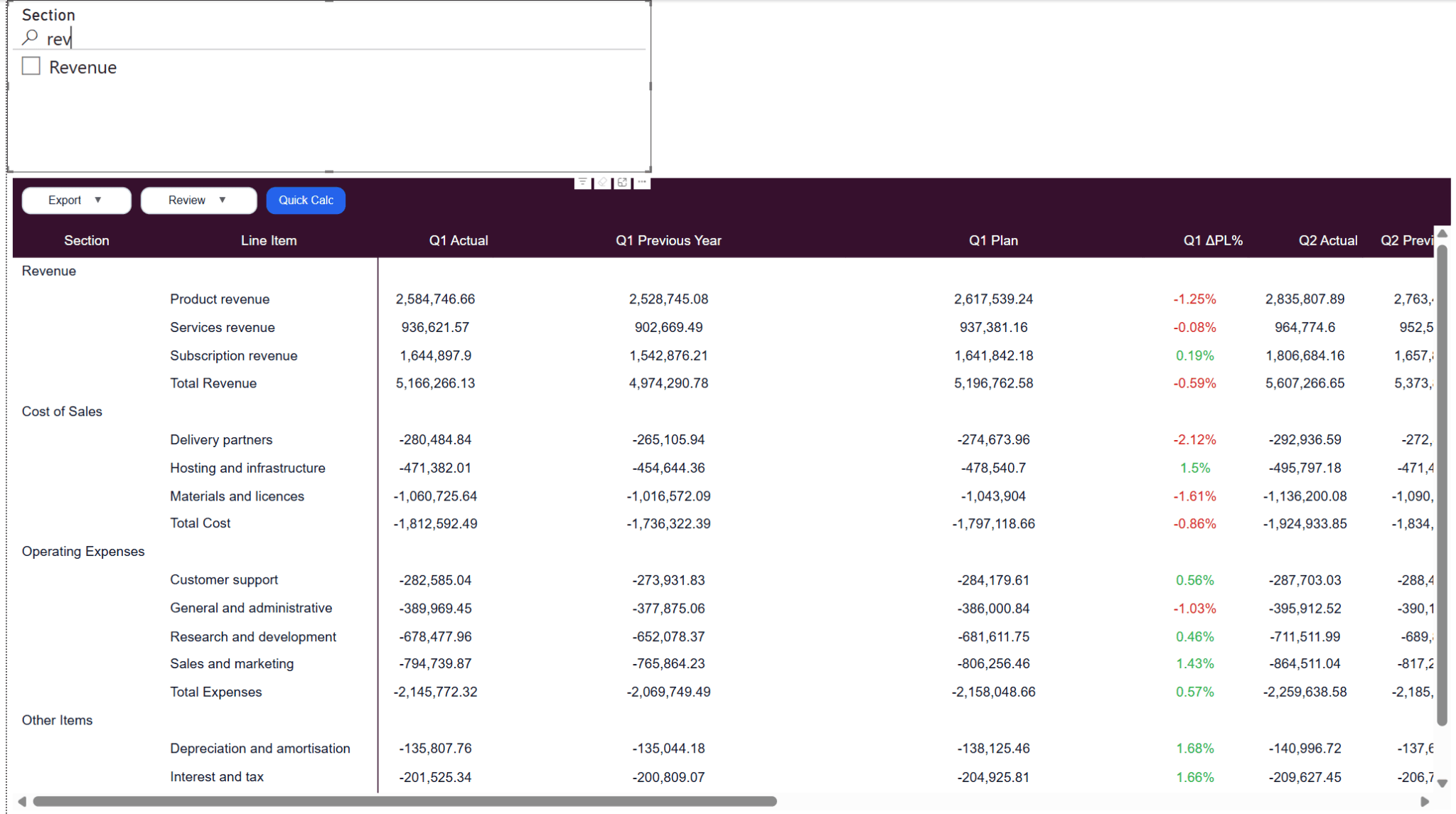
Power BI Matrix Search Bar: 3 Ways to Search
Search a Power BI Matrix with slicer search, an Input slicer, or an integrated search bar. Our tests, three screenshots, setup steps, and trade-offs.
Read →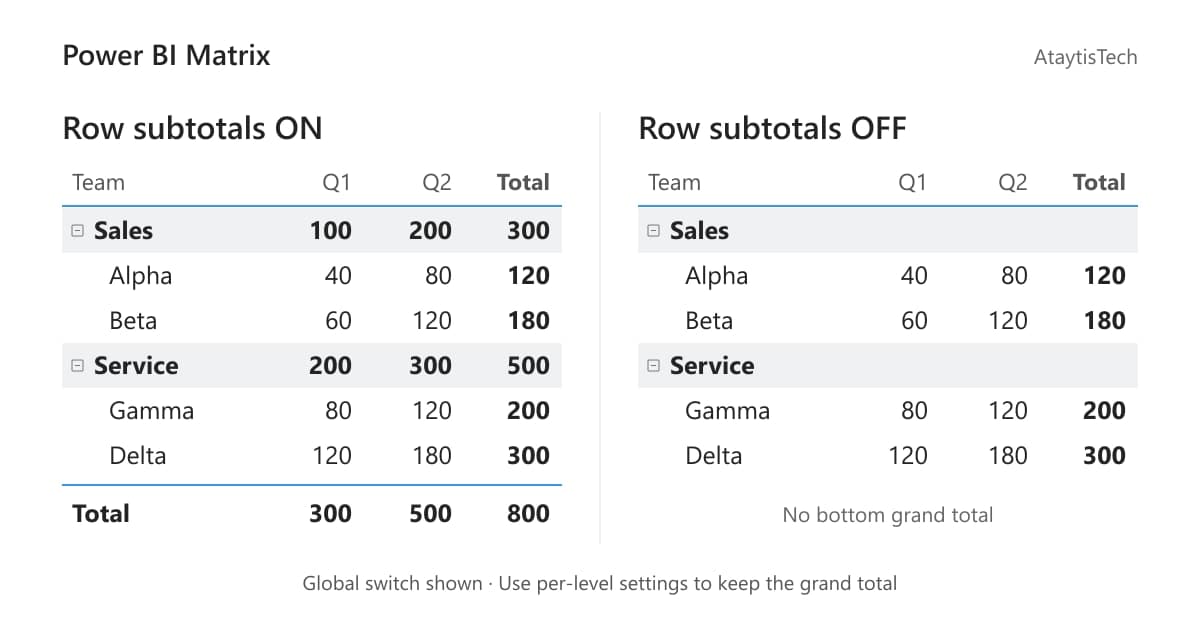
Power BI Matrix: Grand Total Without Subtotals
Hide Power BI Matrix row subtotals without losing the grand total. Our tested Per row level setup, three screenshots, and fixes for confusing settings.
Read →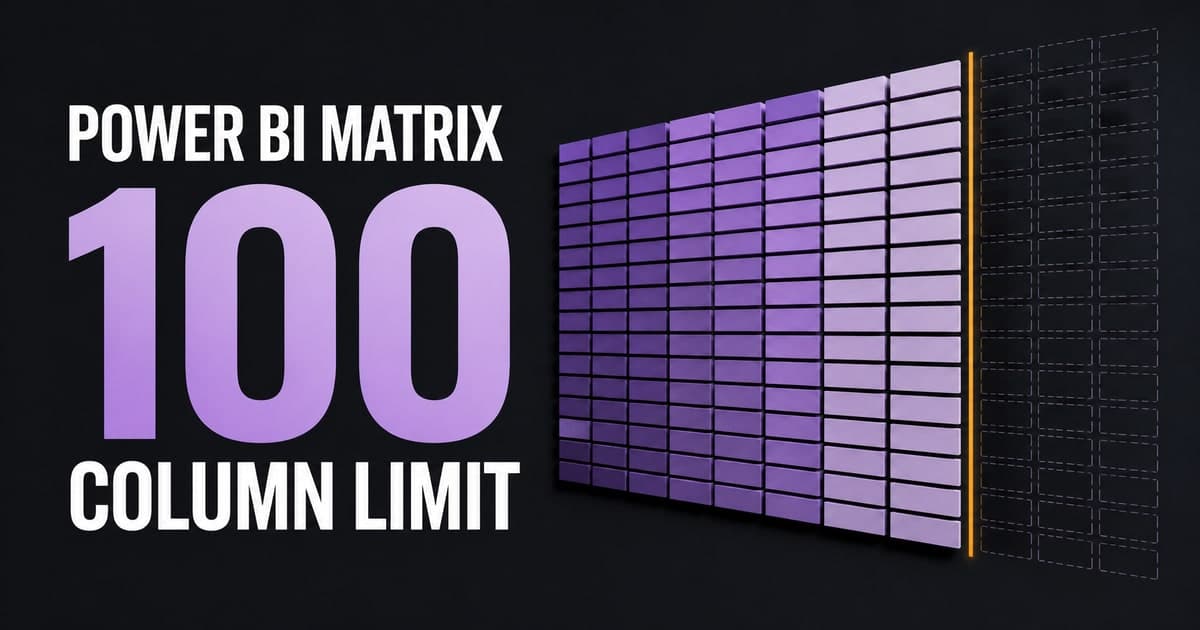
Power BI Matrix 100-Column Limit: Workarounds
We tested 101 columns in Power BI’s native Matrix. See the screenshots, Microsoft’s documented limit, and workarounds with clear pros and cons.
Read →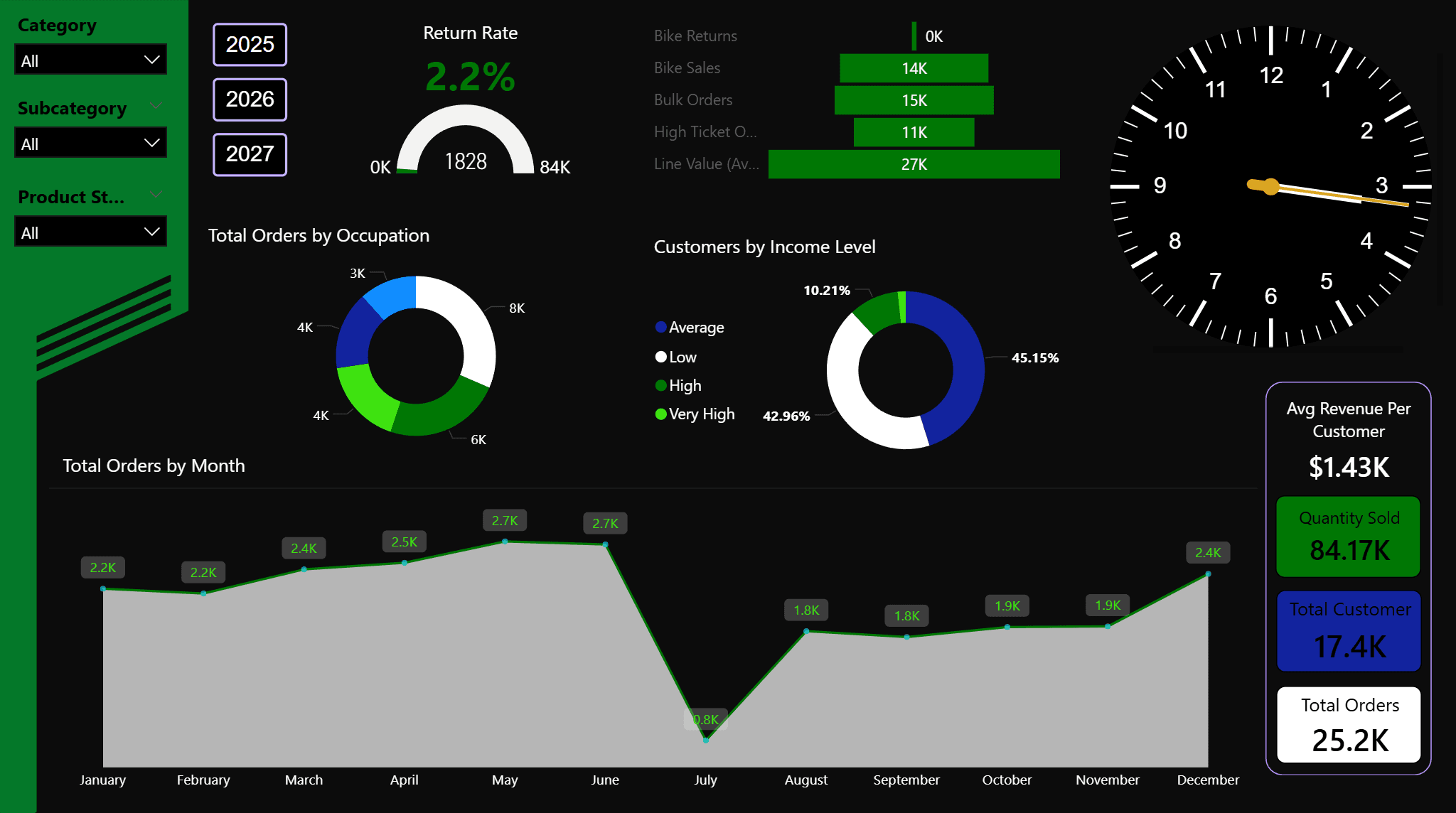
When Does a Live Clock Actually Add Value in Power BI?
Not every dashboard needs one. A look at the real use cases, design considerations, and when a live clock genuinely earns its place.
Read →
How to Add a Live Clock to Power BI Using Ataytis Vega Studio
A full walkthrough — installing Ataytis Vega Studio, pasting the spec, customising colours, timezone offsets, labels, digital time, and publishing to Power BI Service.
Read →
How to Make Power BI Dashboards Look More Modern
Background colours, visual clutter, colour discipline, whitespace, custom Vega Studio visuals, and animation — what actually moves the needle on dashboard design.
Read →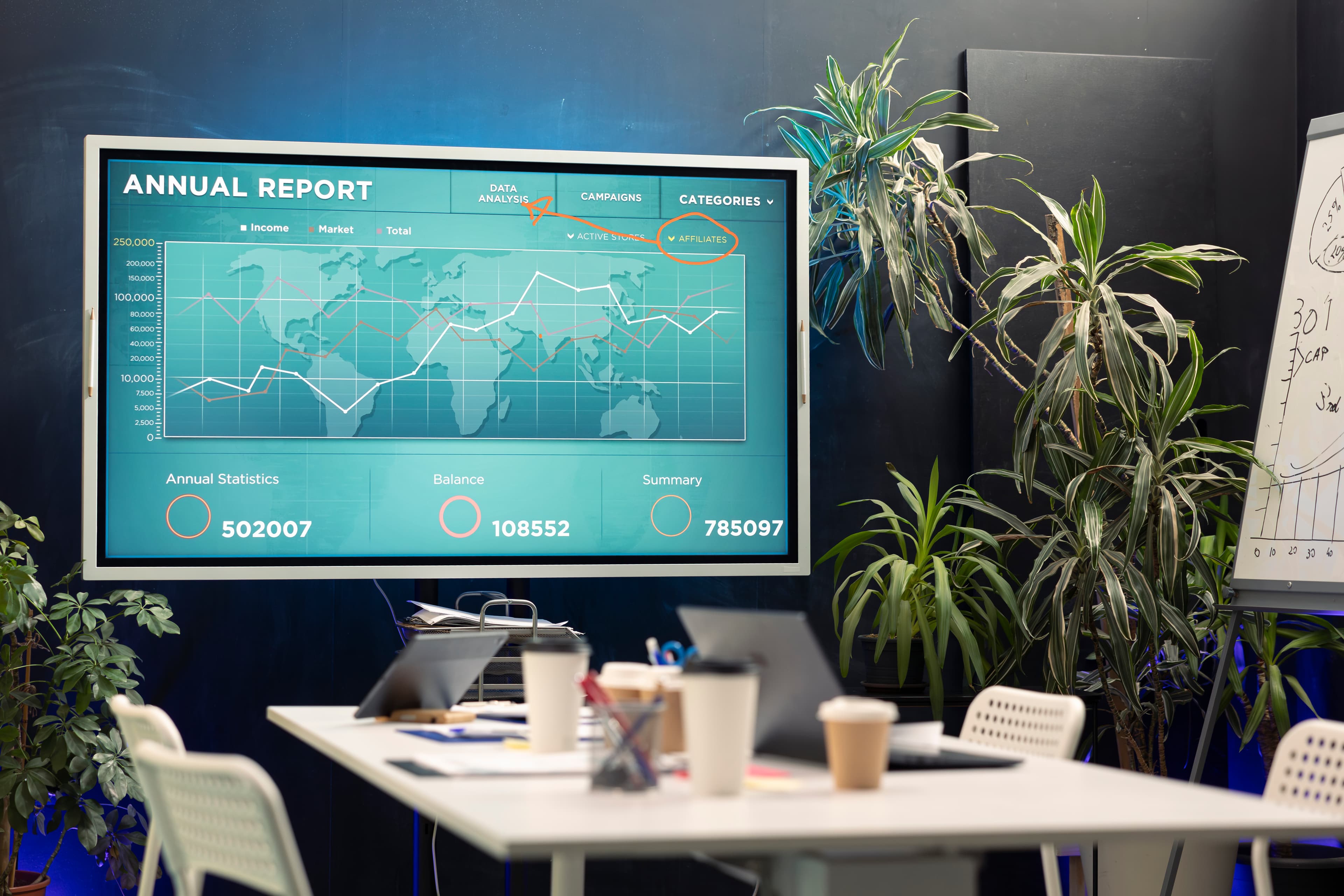
How to Set Up a Power BI Dashboard for a TV or Office Screen
Layout, legibility, dark themes, ambient motion, auto-refresh, and how to get Power BI onto a display screen — everything that changes when you design for a wall rather than a browser.
Read →
How to Add a Particle Text Visual to Power BI Using Ataytis Vega Studio
A full walkthrough — installing Ataytis Vega Studio, pasting the spec, setting phrases, customising particle style, glow, animation, and canvas size, and publishing to Power BI Service.
Read →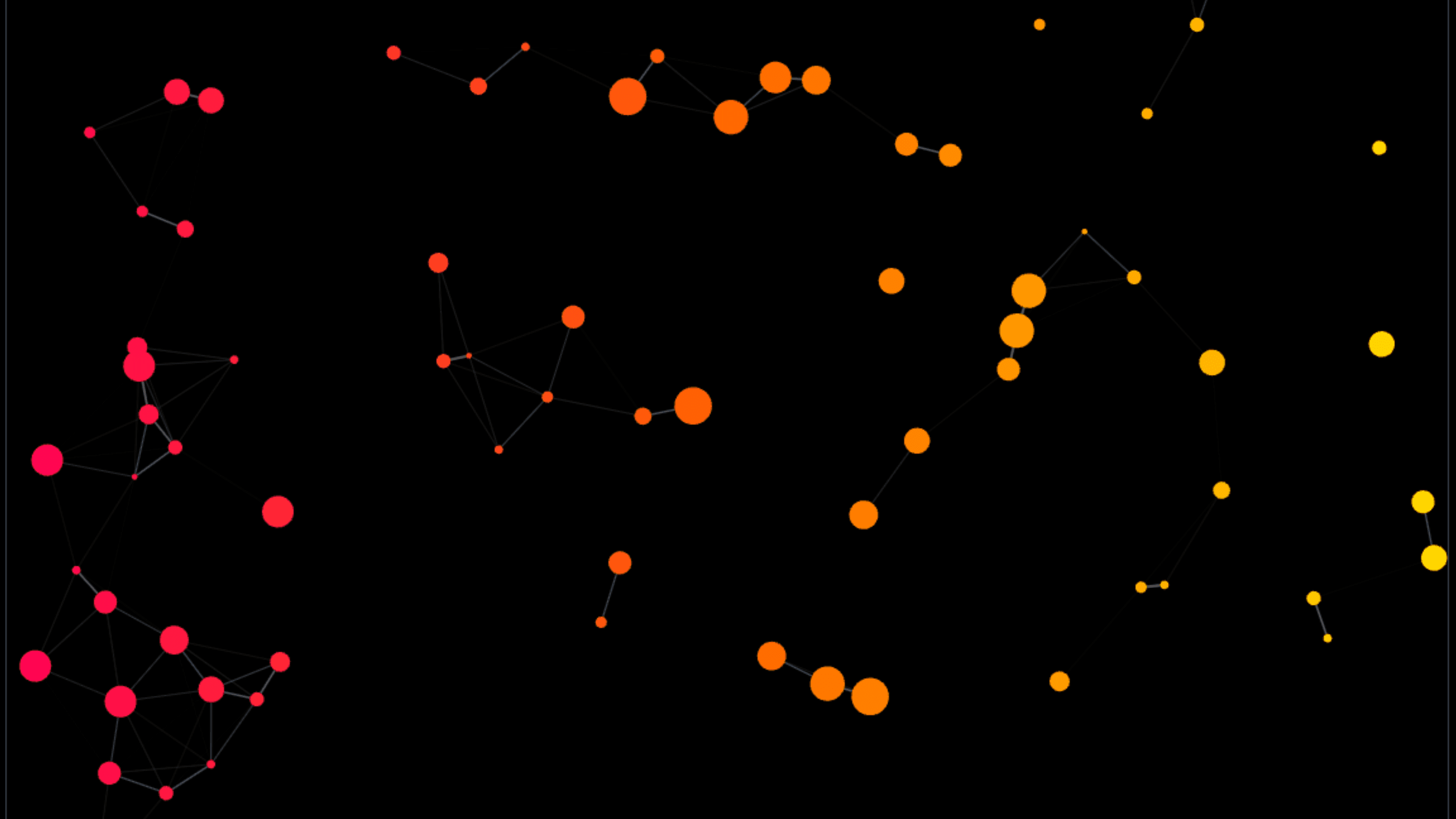
How to Add a Particle Screen to Power BI Using Ataytis Vega Studio
A full walkthrough — installing Ataytis Vega Studio, pasting the spec, customising particles, connections, interactions, and canvas size, and publishing to Power BI Service.
Read →