Totals
Control row subtotals, column subtotals, and the grand total row, including per-level visibility and sticky behaviour.
Row subtotals
| Setting | What it does |
|---|---|
| Subtotal placement | Whether subtotals sit above or below the members they summarise. |
| Label | The text used for the subtotal row. |
| Show level 1 – level 10 subtotal | Per-level visibility. A ten-level hierarchy with a subtotal at every level is unreadable; switching most of them off is usually the right call. |
| Font, Value alignment, Text color, Background | Appearance of the subtotal row. |
| Alternate background and Alternate background color | Zebra striping applied to subtotals specifically. |
| Border, Border color, Border thickness | A rule above or below the subtotal, which is often clearer than a colour change. |
Column subtotals
Column subtotals mirror the row settings — placement, per-level visibility from level 1 to level 6, and a label — and add separate styling for the subtotal header and its values, since the two rarely want the same treatment. Edit targets a specific column subtotal so its overrides can differ.
Column grand total
The column grand total is the total column at the end of the column axis — the one answering "and what does that come to across every period". Sorting by it is enabled on the Data & Features card with Sort column grand total, which lets readers rank the matrix by the overall figure rather than by any single column.
Its appearance follows the column subtotal settings, so header and value styling are set separately, and it can be pinned so it stays visible while the reader scrolls horizontally through a wide matrix.
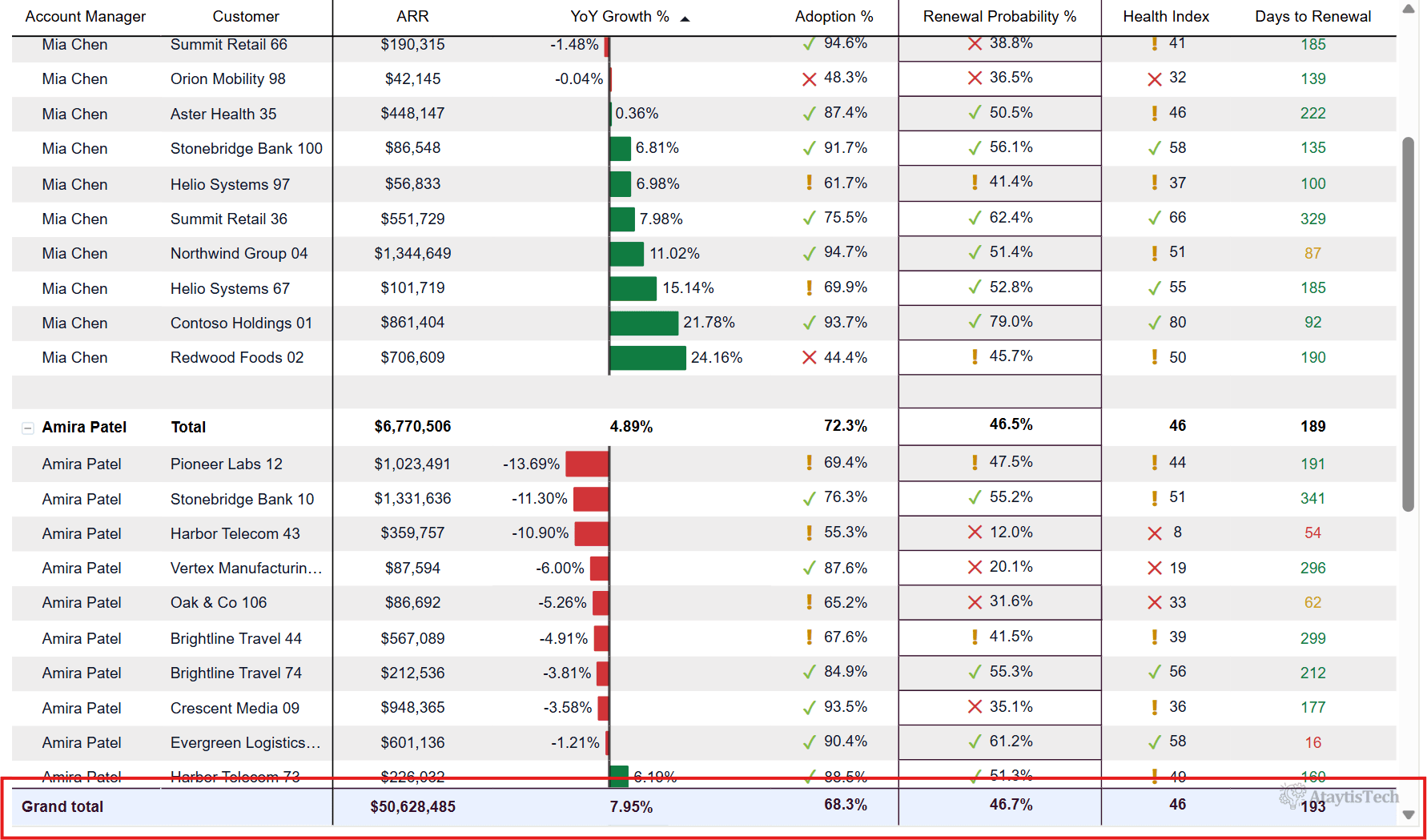
Row grand total
| Setting | What it does |
|---|---|
| Label | The text used for the grand total row. |
| Font, Row header alignment, Value alignment | Type and placement. |
| Font color, Fill color | Colours for the row. |
| Border top, Border bottom, Border color, Border width | Rules above and below, the conventional way to mark a total. |
| Sticky row | Pins the grand total so it stays visible while the reader scrolls through the detail. |