Format pane
Layout
Choose the row layout, decide whether values run across columns or down rows, and add spacer rows between hierarchy levels.
Row layout and values orientation
| Setting | What it does |
|---|---|
| Row layout | Three modes. Compact puts every hierarchy level in one column, distinguished by indentation. Outline steps each level down and across. Tabular gives each level its own column, which is what you want when the levels are genuinely different things. |
| Values layout | Values as columns or values as rows. Values as rows suits many measures and few periods; values as columns suits the reverse. |
Spacer rows
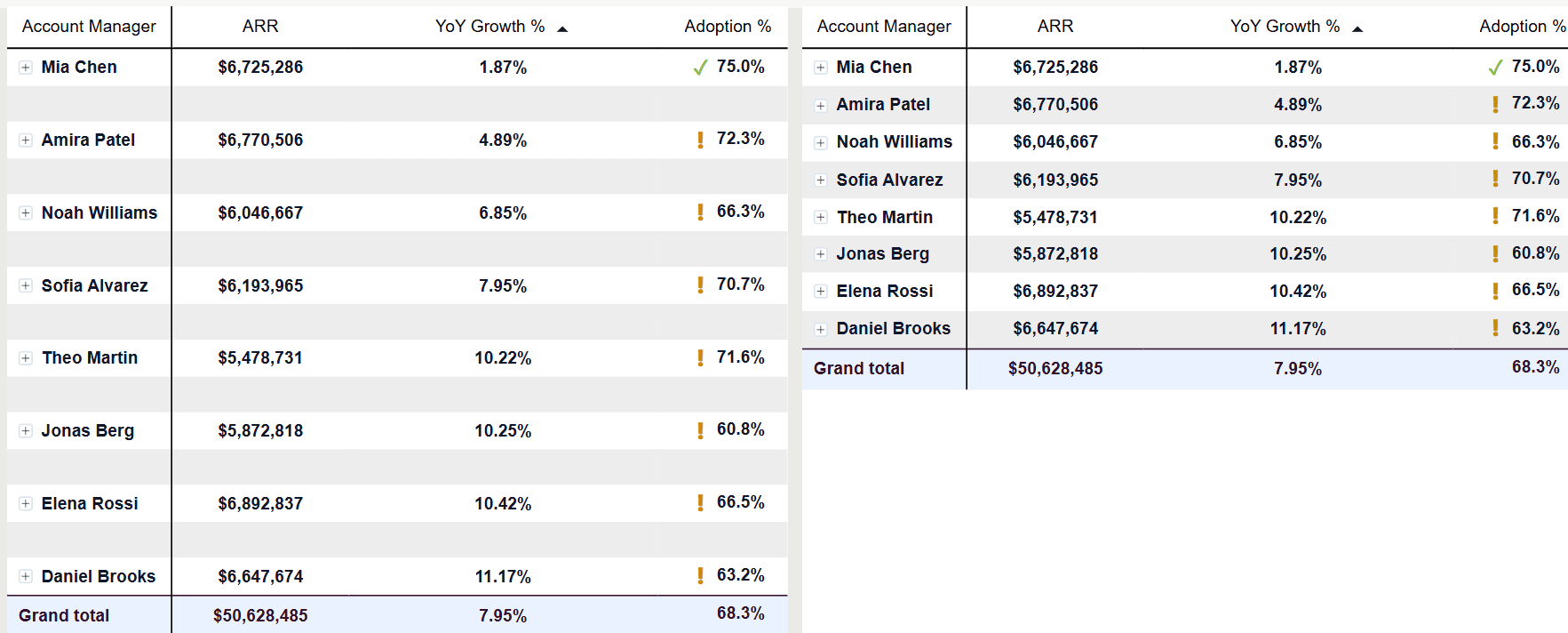
Spacer rows insert blank space after each member of a chosen hierarchy level. They are the cheapest way to make a dense table readable, because the eye uses the gaps to group related lines.
| Setting | What it does |
|---|---|
| Level 1 – Level 12 | Switches spacer rows on for that hierarchy level independently. |
| Color | The fill colour of the spacer row. |
| Transparency | How visible that fill is. Full transparency gives you whitespace; a tinted spacer gives you a visible band. |