









Authoring fundamentals
Data, fields, and the Power BI dataset
Understand how Power BI fields become Vega data, which helper fields the Studio adds, and how to design specifications that remain reliable as reports change.
From the Values well to Vega
Ataytis Vega Studio exposes one Power BI data role named Values. It accepts grouping columns and measures. The visual converts the resulting Power BI data view into a Vega dataset named dataset, which is the stable entry point for most specifications.
Vega JSON
"data": [
  { "name": "dataset" }
]Referencing field names safely
- Use the exact field name shown in the inspector Data table, including spaces, punctuation, aggregation labels, and capitalization.
- Use bracket notation such as
datum['Gross Margin %']in Vega expressions when a name contains spaces or punctuation. - Prefer stable, intentional display names in Power BI before investing in a reusable specification.
- Open the Data table after changing the Values well; it is the quickest way to confirm the current schema and sample values.
- When a specification is meant to be reused in other reports, prefer purpose-led field names over model-specific ones, and record what each field is for.
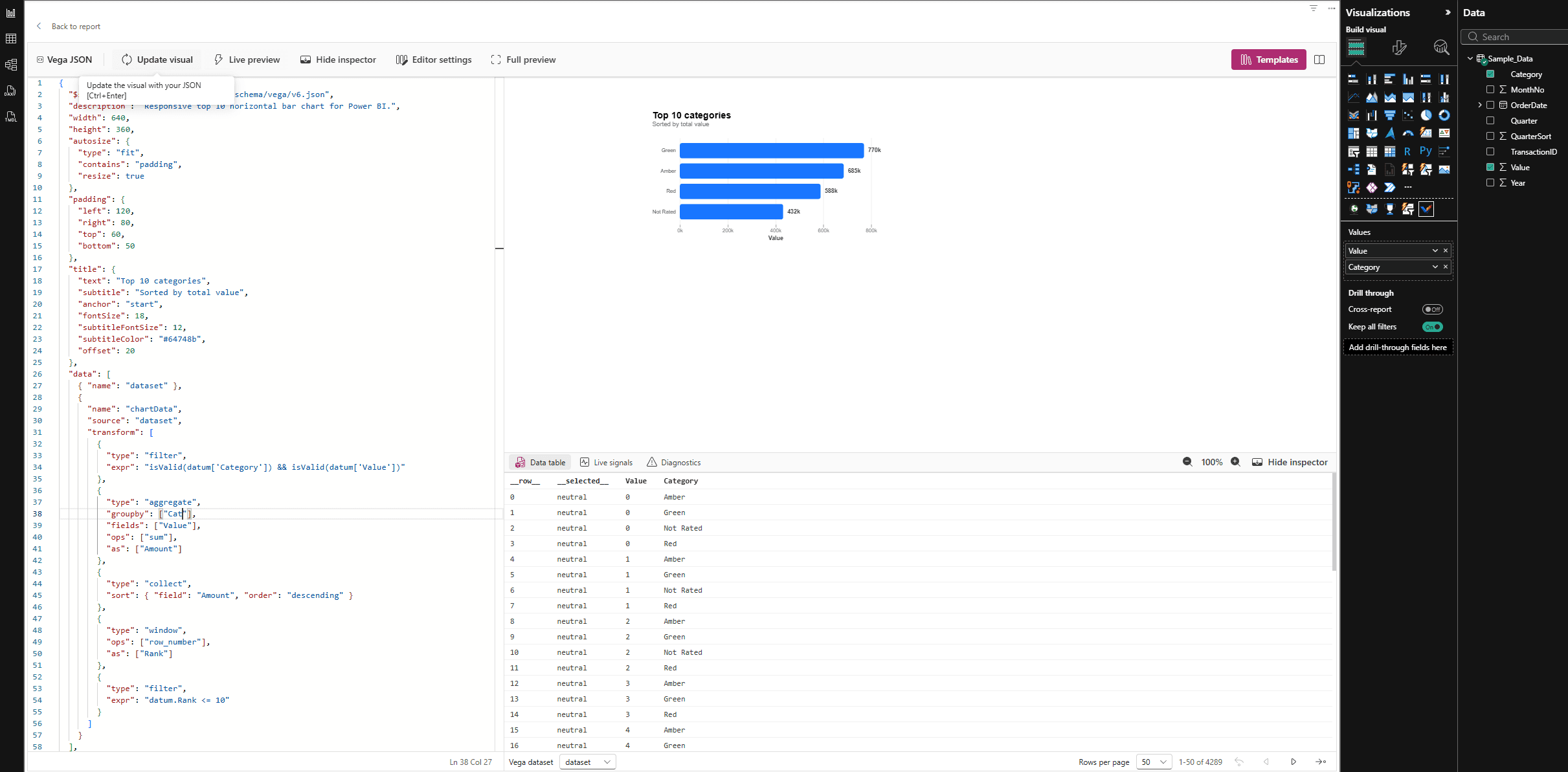
Studio-managed helper fields
| Field pattern | Purpose |
|---|---|
__row__ | Zero-based internal row identifier used to reconcile Vega data items with Power BI selection identities. |
__selected__ | Selection state for the row: neutral, on, or off. |
<measure>__formatted | Power BI-formatted text representation of a measure value. |
<measure>__format | The Power BI format string associated with a measure. |
<measure>__highlight | The current cross-highlight value supplied for a measure. |
<measure>__highlightStatus | Cross-highlight state: neutral, on, or off. |
<measure>__highlightComparator | Comparison between highlight and base values: eq, lt, gt, or neq. |