
Excel Data Cleaner
Features
One-Click Cleanup
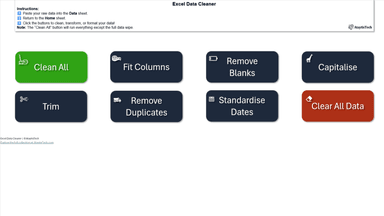
Hit "Clean All" to instantly trim spaces, fix capitalization, standardise dates, and remove blanks & duplicates.
See the Impact in Your Own Data
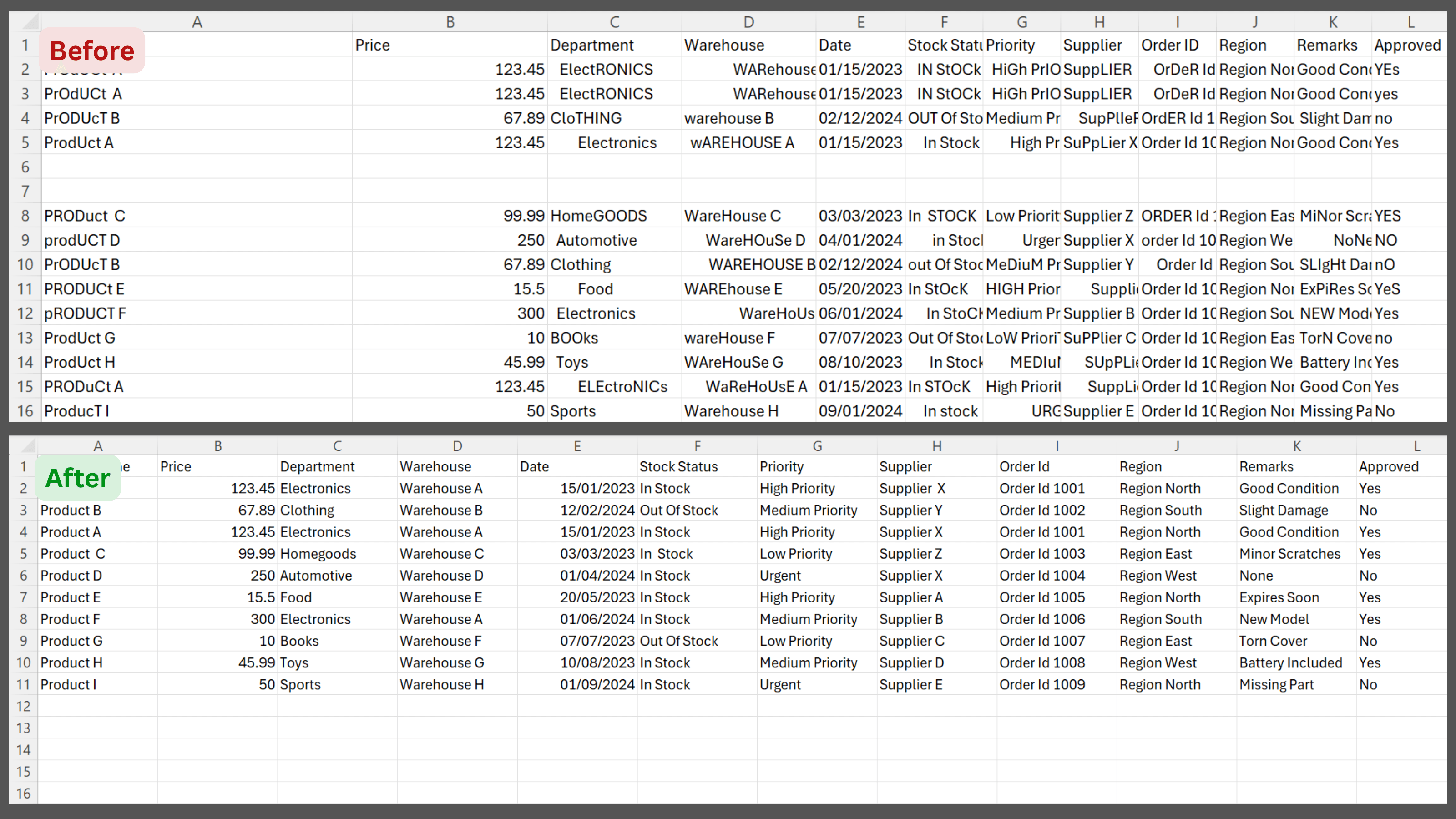
Excel Data Cleaner processes your entire dataset in seconds — whether that's hundreds or hundreds of thousands of rows. Excel supports over one million rows per sheet, and every cleanup action scales to match. Remove duplicates, trim spaces, standardize dates, fix capitalisation, and auto-fit columns across the full dataset with a single click. The kind of cleanup that used to take an hour is done before you blink.
Instantly Clean. Instantly Ready.
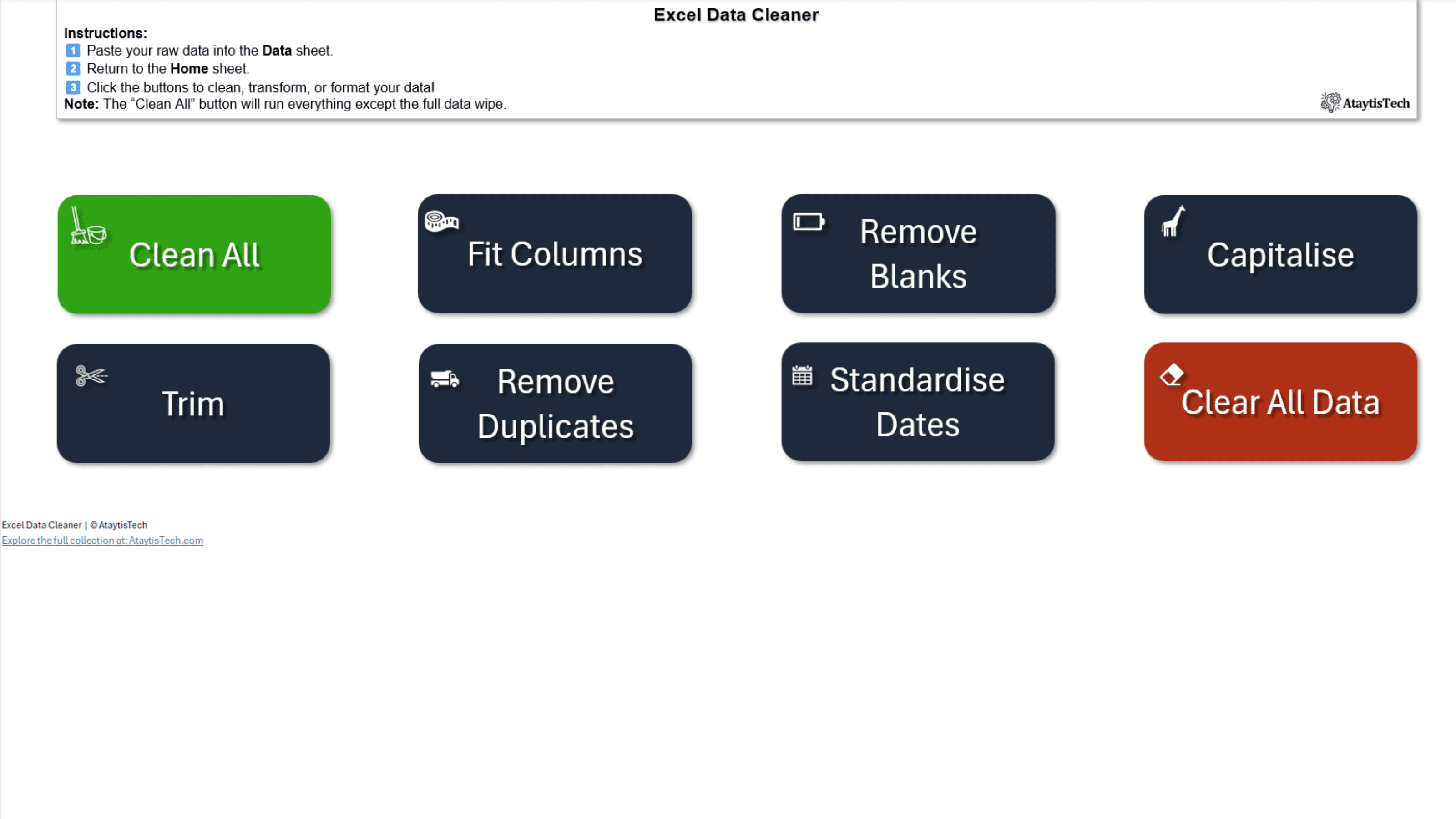
Paste your raw data into the Data sheet, switch to Home, and click Clean All — that's it. Excel Data Cleaner runs eight powerful macros in one click to trim spaces, remove blanks & duplicates, standardize dates, fix capitalization, resize columns, and more. Spend seconds, not hours, getting your spreadsheets analysis-ready.
Choose Your Preferred Date Style
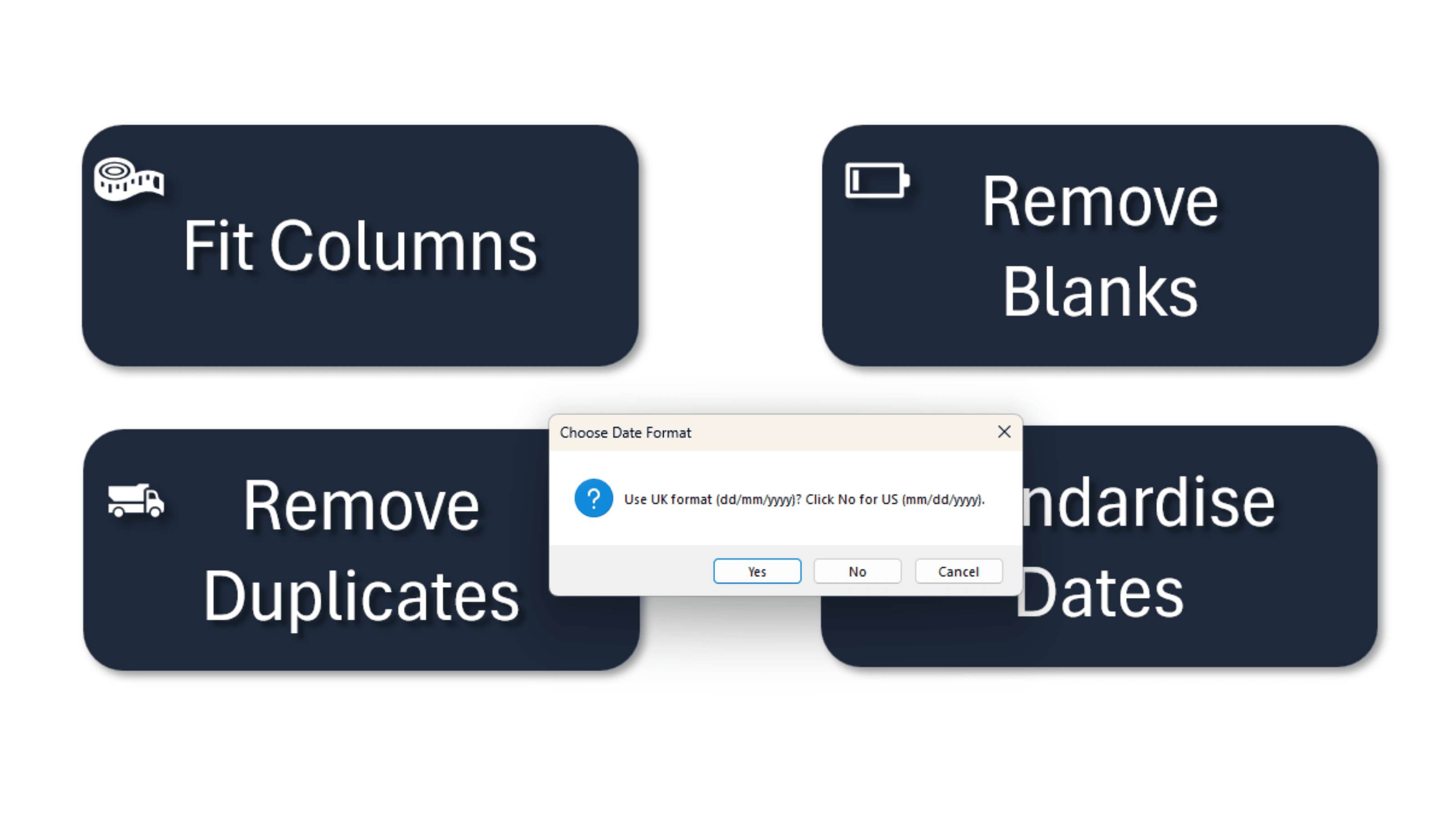
Select UK (DD / MM / YYYY) or US (MM / DD / YYYY) formatting in one click. Excel Data Cleaner will convert every date in your sheet to the style you need—no manual reformatting required.
Run Individual Steps —or One-Click Total Cleanup
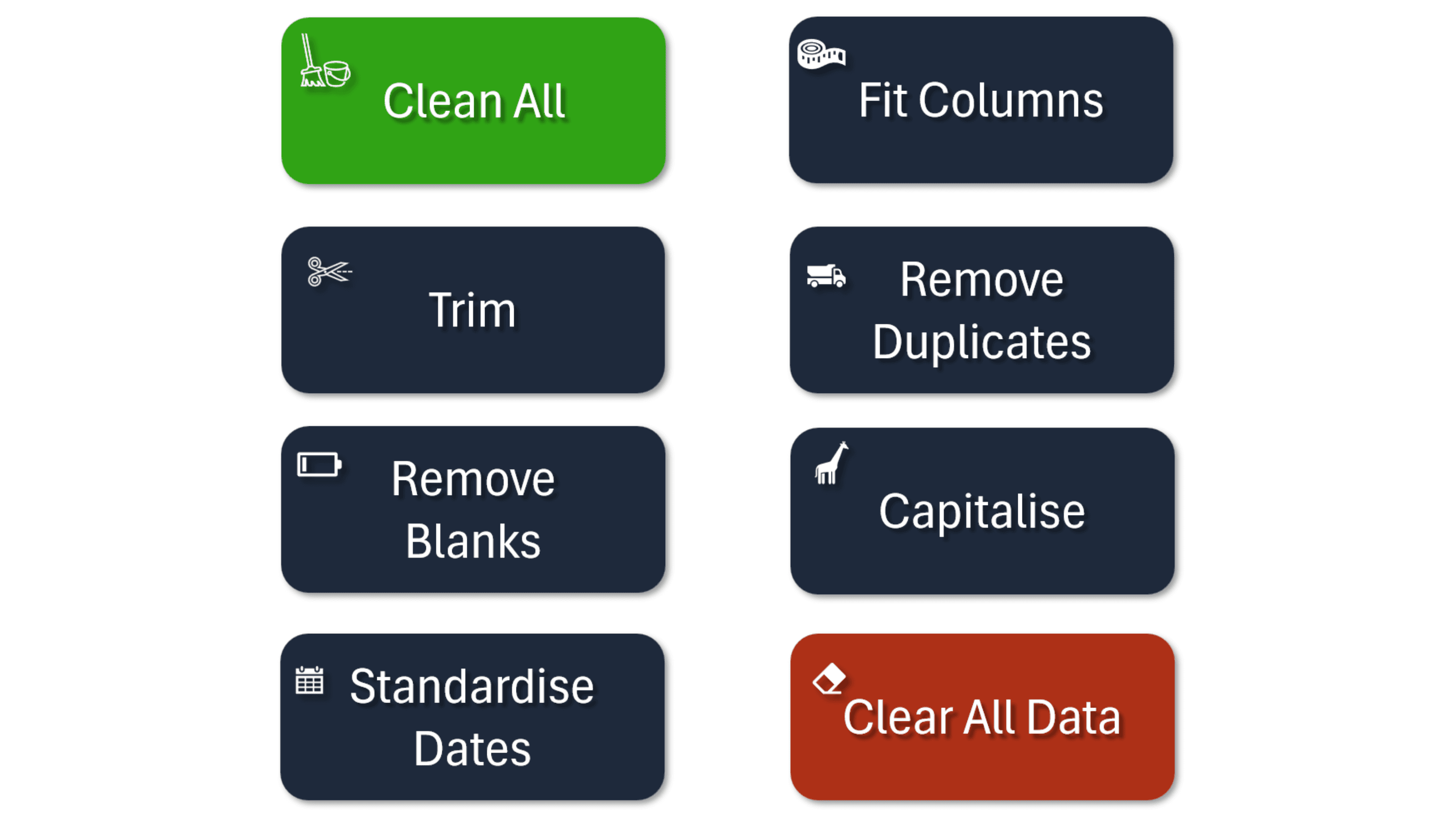
Choose any combination of actions—Trim, Remove Duplicates, Standardize Dates, and more—or hit Clear All Data to start fresh. Excel Data Cleaner gives you the flexibility to target exactly what you need, or wipe the slate clean in a single click.